Accessible EV Charging in 2026: Practical Design for Every Driver
Public EV charging should work for more than one kind of driver. People use wheelchairs, have limited grip, see screens differently and drive cars with charging ports in many places. This guide explains the practical design of accessible stations for a global audience. It is useful for drivers reporting barriers and for operators planning new sites.
Why charger access matters
An EV station can be technically working yet unusable for some drivers. A charger may sit behind a kerb, have a heavy cable, lack enough space beside the car or place its screen too high. Accessibility is not just a sign painted on a bay. It includes parking, moving, reaching, paying and getting help. A good design lets people with varied strength, mobility, height and vision use the service with dignity. These needs apply to public stations, workplaces and shared residential parking.
Begin with the parking space
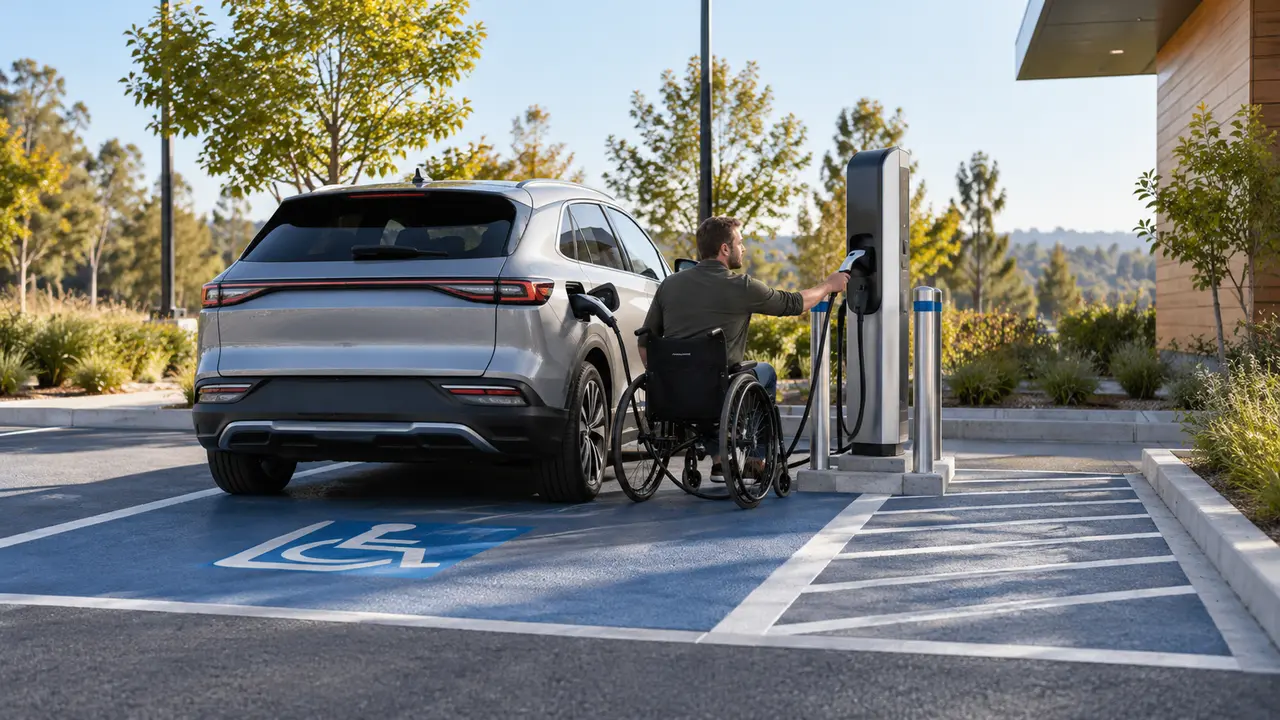
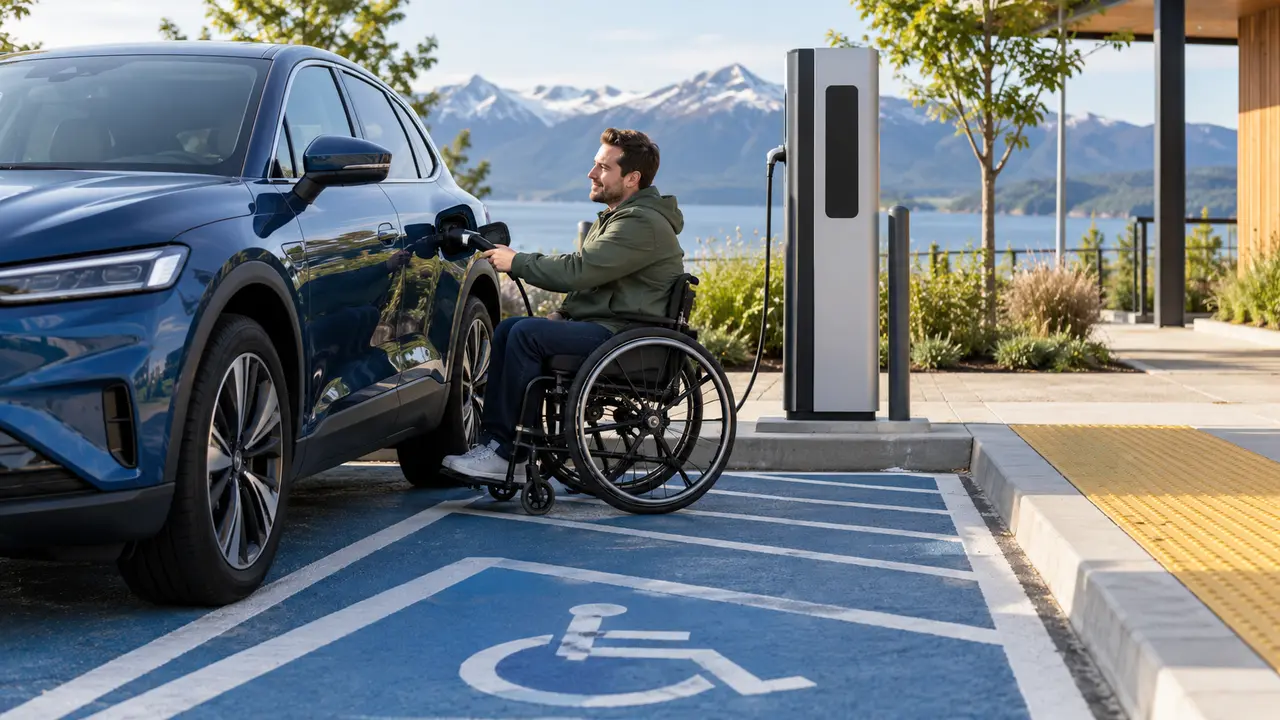
Drivers may need extra room to open a door fully, transfer from a wheelchair or reach a charging port at the front, rear or side of the car. Vehicle dimensions and port positions differ widely. The U.S. Access Board has published work on accessible EV charging features, including spaces, aisles and routes. Its rules are jurisdiction-specific, but the physical design questions are useful worldwide. Test a real vehicle in the proposed bay before drawing final lines. Do not assume one layout fits every car.
Keep a clear accessible route
A driver should be able to travel from the parking space to the charger and nearby destination without a cable blocking the way. Check surface firmness, slopes, drainage, kerbs and turning room. Bollards intended to protect equipment must not block a wheelchair path or make it hard to reach controls. Look at the route in rain and darkness, not only on a sunny day. Poor drainage can create slippery surfaces around an electrical device. Accessibility and electrical safety should be planned together.
Cable weight and connector reach
Fast-charging cables can be heavy and stiff, particularly in cold weather. A person with limited grip may find them hard to lift or position. Consider cable management systems that support weight and reduce dragging. A holster should be reachable from a seated position where required, and the cable should reach different vehicle port locations without dangerous stretching. Ask actual users to test the equipment. A technically compliant layout can still be awkward in daily use if cable length and weight were not considered.
Try the heaviest cable
Test cable reach and handling at the worst practical port position. A cable that only works when stretched across the ground can create a trip hazard.
Screens and payment methods
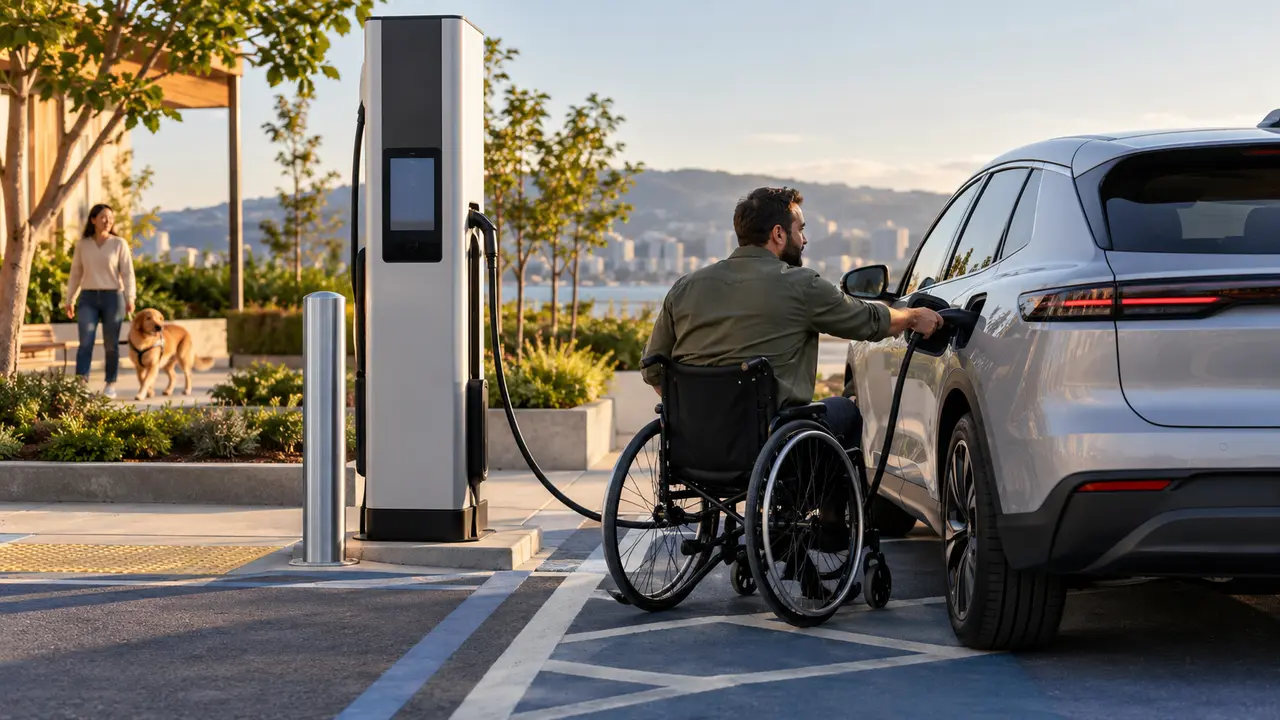
The user interface should be understandable for people with low vision, limited reach or limited dexterity. Clear instructions, sufficient contrast and alternative ways to start a session can help. Avoid a payment process that requires only a tiny touchscreen or a smartphone app with poor accessibility. Check which languages are supported in the market. If a station relies on an app, test it with screen readers and common assistive controls. An accessible charger is not useful if the person cannot authorize payment independently.
Lighting and clear information
Good lighting helps drivers locate the socket, read controls and move safely at night. Signs should identify the charging bay and show how to request help. Display pricing before the session where possible, and explain idle fees clearly. Do not place warning signs where they create clutter around a turning space. A user should know whether the equipment is available before entering a tight bay. Live status data can reduce wasted trips, but physical signs and support contacts remain important when connectivity fails.
Design for multiple vehicle types
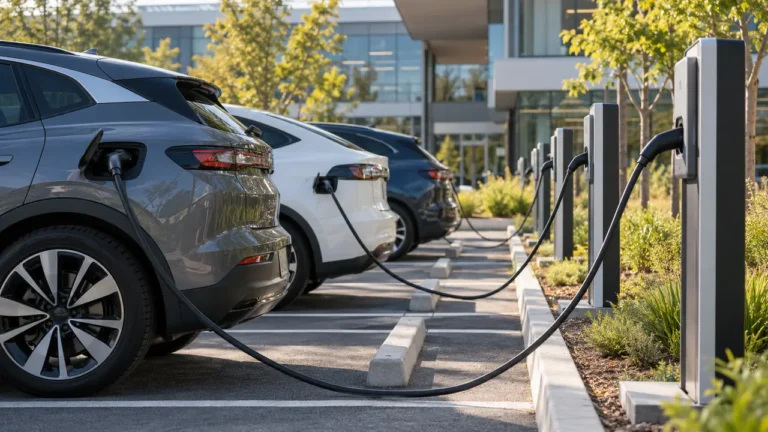
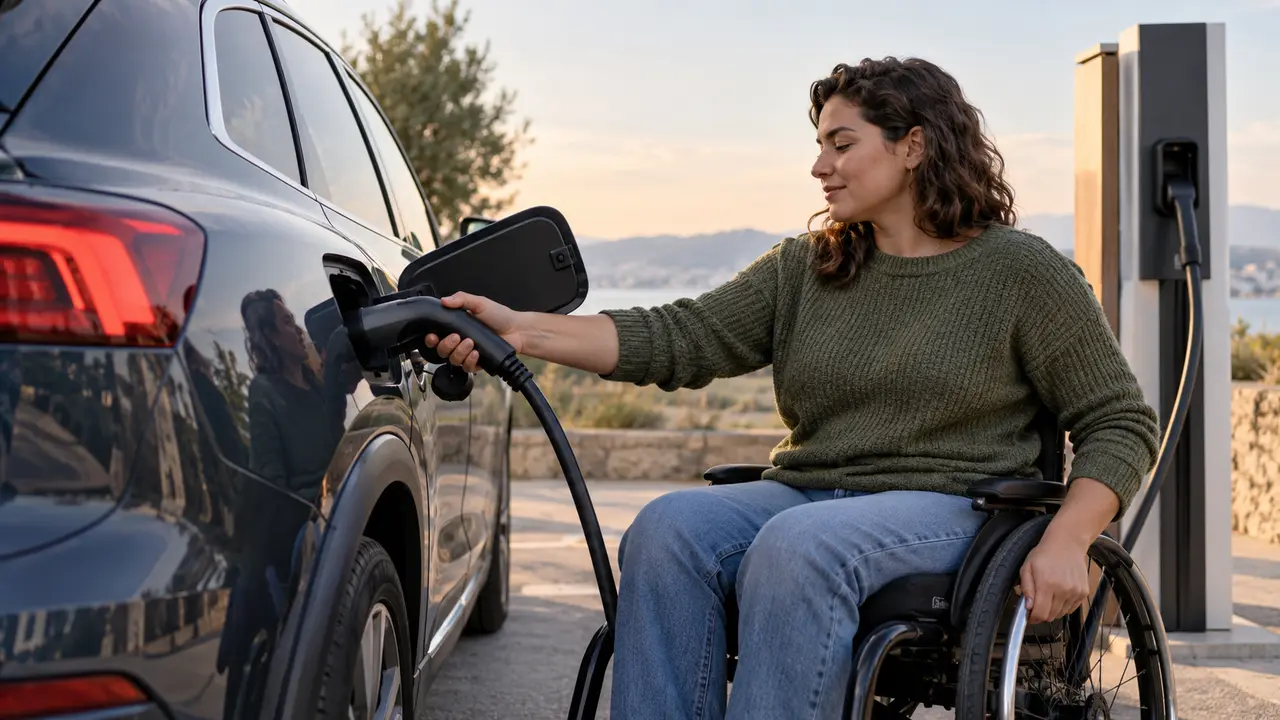
Charging ports can be on either side, at the front or near the rear. A bay designed for one car may force another to park across lines to reach the cable. Consider longer or well-managed cables, pull-through spaces where feasible and layouts that do not require reversing near pedestrians. Test a mix of common car sizes. A vehicle with a rear wheelchair ramp may need a different clearance plan from one with a side transfer. Inclusive design begins by acknowledging this variety.
Include disabled drivers early
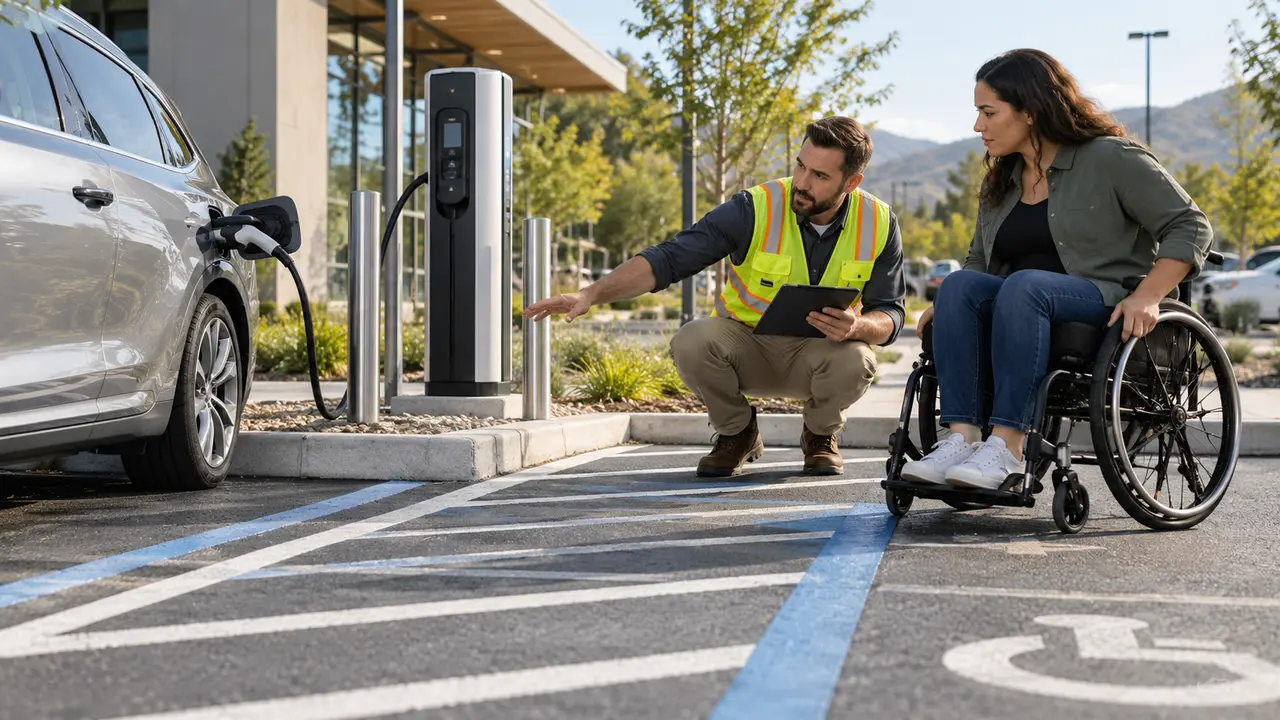
Do not wait until the station opens to ask for feedback. Invite drivers with mobility, vision and dexterity needs into planning and testing, and pay attention to differences between users. A single test cannot represent everyone. Ask participants to complete a real journey through arrival, parking, connection, payment and departure. Record where assistance was needed and make changes. This practical approach can reveal barriers that a design drawing misses. It also helps avoid spending money on fixes after installation.
Measure independence
Record whether users can complete a session without staff help, while keeping support available for unexpected faults.
Manage shared accessible bays
An accessible EV space may be scarce. Operators should set clear rules so it is not blocked by a vehicle that is not charging or by a delivery van. At the same time, do not impose unrealistic short time limits on someone who needs longer to connect and leave safely. Local disability and parking laws determine eligibility and enforcement, so seek legal guidance for the site. Booking systems should be fair and usable. A support number is valuable when a charger fails, but staff should not be the only way to start a normal session.
A realistic user journey
Imagine a driver who uses a wheelchair and reaches a public rapid charger. The bay has enough side space, but a protective bollard blocks the payment screen. The driver cannot start the session without help. Moving the bollard slightly and providing an accessible payment path may solve the problem, subject to safety design. The lesson is that each stage matters. A charging point can meet its energy target and still fail the person who needs it. Test the whole process rather than a single measurement.
What site owners should budget
Accessible design can involve wider spaces, paved routes, lighting, cable supports, screen placement and user testing. These should be part of the original design and operating budget, not optional extras after installation. Ask equipment suppliers for real dimensions and interface accessibility information. Consider maintenance too: a broken cable support or blocked path can make a formerly usable station inaccessible. Keep a documented reporting and repair process. The cost of poor planning often appears later as lost use and expensive changes.
How drivers can report problems
If a charger is inaccessible, document the specific barrier when safe: bay width, kerb, screen, payment or cable. Contact the operator with the station ID and explain what prevents independent use. Ask for a reasonable alternative and a plan to fix the site. Follow local disability complaint procedures if needed. Constructive, concrete reports help providers act. Do not feel obliged to take unsafe steps or ask a stranger to handle live charging equipment to complete a session.
Frequently asked questions
Does an accessible parking sign make a charger accessible?
No. Access also depends on space, route, cable, controls and payment.
Can wireless charging solve all barriers?
It may remove cable handling for compatible cars, but parking, controls, payment and support still matter.
Who sets the rules?
Local accessibility, parking and electrical authorities. Use their legal standards and test with real users.
Bottom line: Design and test the entire charging journey, not just the marked parking bay.